Shark Mission
Touch, mouse, or keyboard depending on the on-screen controls
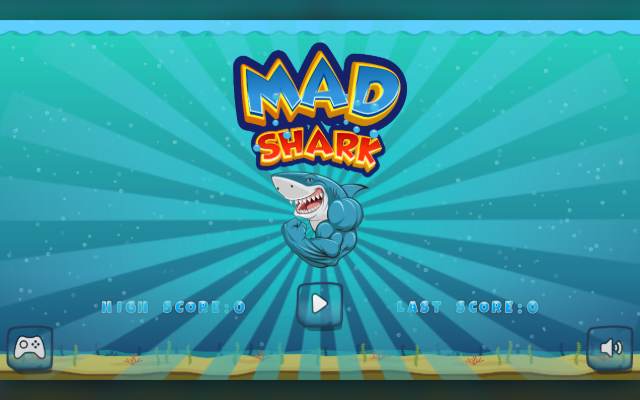
Enable JavaScript to play Shark Mission.
About this game
Guide the shark in Mad Shark through an underwater course. The screen tracks distance, score, and available shots.
The original creator was not identified in the supplied source package. The site owner confirms the right to publish this exact owner-supplied edition.
How to play
Guide the shark through Mad Shark using the directional controls and use the attack control when needed. Avoid underwater hazards and monitor the available shots. After the run, compare distance and score and start again.
Shark Mission at a glance
- Genre
- Arcade
- Price
- Free to play, no download or account needed
- Devices
- Desktop, phone and tablet browsers
- Controls
- Touch, mouse, or keyboard depending on the on-screen controls
- Creator
- Not identified in the supplied game package
Shots are a separate resource
The interface shows available shots as well as distance and score. Attacking continuously can leave fewer options when a threat is directly in the way. Check the supply before choosing to attack instead of moving around an obstacle.
Leave vertical room
Underwater threats can approach at different heights. Keeping the shark away from the very top or bottom gives you another direction to move. Read the route ahead before turning toward a reward.